

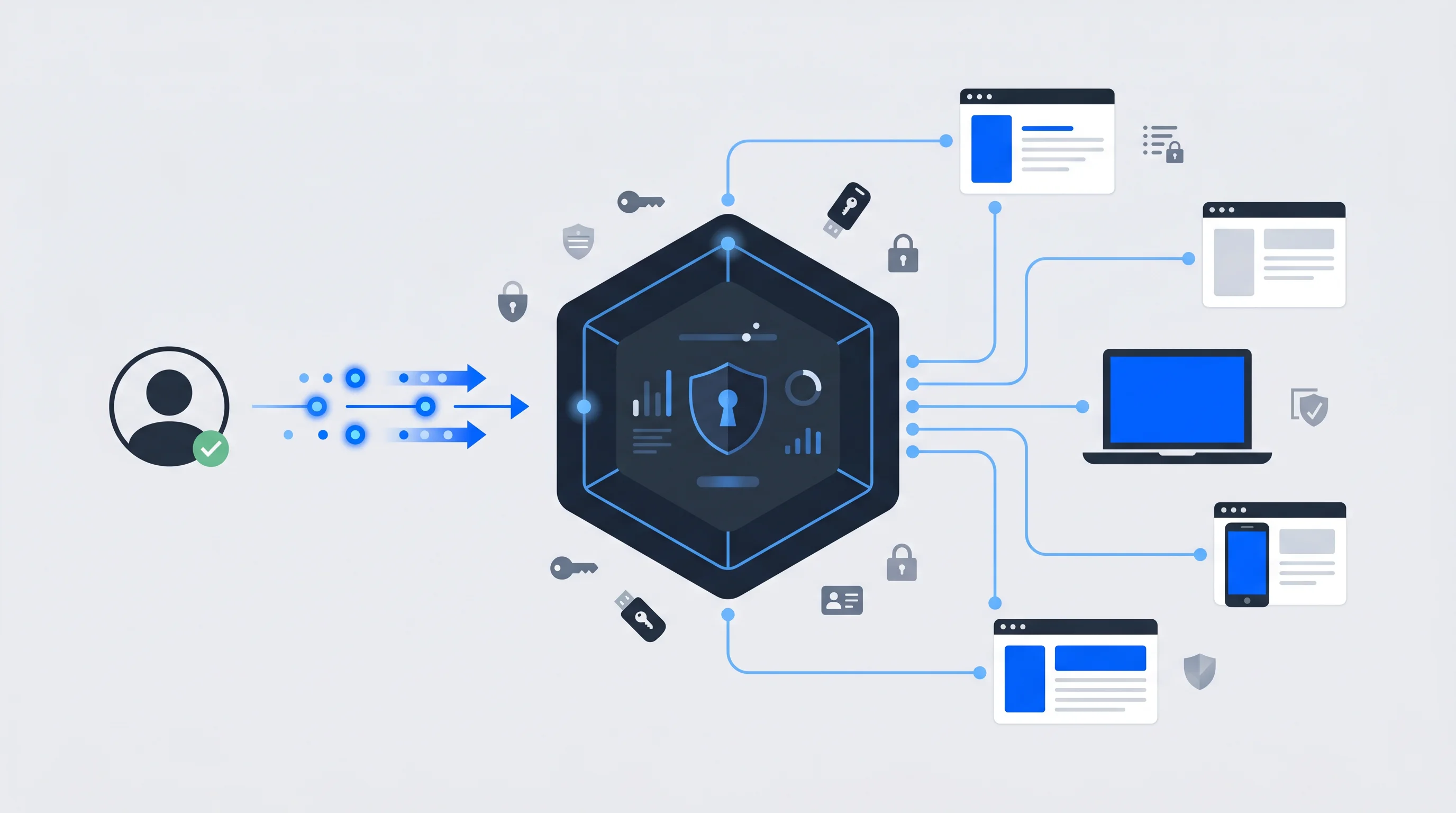
Keycloak is an open source identity and access management solution that enables Single Sign-On across applications and services. Developed by Red Hat, it handles authentication, authorization, and user management through a centralized platform that supports industry-standard protocols like OpenID Connect and SAML.
This guide covers how Keycloak works, its core features, how it compares to alternatives like Okta and Auth0, and what to consider when deciding whether self-hosted open source IAM fits your organization's needs.
What is Keycloak
Keycloak is an open source identity and access management (IAM) solution that adds Single Sign-On (SSO) and authentication to applications and services. Red Hat develops and maintains the project, which allows users to log in once and then access multiple applications without entering credentials again. The platform handles user federation, strong authentication, user management, and fine-grained authorization through a centralized system.
If you've searched for "keyclock," "key cloak," or "keyclok," you're in the right place—those are common misspellings of the same tool. Keycloak has become one of the most widely adopted open source IAM solutions—with over 30,000 GitHub stars—for web applications, mobile apps, and microservices.
Is Keycloak free and open source
Yes, Keycloak is completely free under the Apache License 2.0. There are no licensing fees, and the full source code lives on GitHub for anyone to inspect, modify, or contribute to.
That said, "free" comes with an important caveat. Self-hosted Keycloak means your team handles all infrastructure work: server provisioning, updates, security patches, and high availability configuration. Some vendors offer managed Keycloak-as-a-service options that shift this operational burden to them, though those typically involve subscription costs.
The open source model gives you full control over customization and deployment. It also means you're responsible for keeping everything running.
What is identity and access management
Identity and Access Management (IAM) is a framework of policies, processes, and technologies that manages digital identities and controls what users can do within systems. At its core, IAM combines two functions—authentication and authorization—verifying who someone is, then deciding what they're allowed to access.
IAM breaks down into four core functions:
Authentication
Authentication answers the question "Who are you?" This process verifies that users are who they claim to be.
Common authentication methods include:
- Username and password combinations
- Social login through providers like Google or Facebook
- Multi-factor authentication (MFA) that requires additional verification steps
Authorization
Authorization answers a different question: "What are you allowed to do?" After confirming a user's identity, the system determines which resources, features, or data that person can access.
Role-based access control (RBAC) is a common approach here. With RBAC, permissions are assigned based on job functions or user roles rather than individual users.
User management
User management covers the entire lifecycle of user accounts. This includes creating new accounts, updating profile information, managing group memberships, and eventually deactivating or deleting accounts. User attributes and logical groupings fall under this function as well.
Session management
Session management tracks authenticated users across their interactions with applications. This function involves issuing and validating session tokens, setting appropriate timeout periods, and enabling single logout so users can end all their sessions at once.
Key features of Keycloak
Keycloak provides a comprehensive set of capabilities for enterprise IAM deployments. Here's what the platform offers:
Single Sign-On
SSO is Keycloak's flagship feature. Users authenticate once through Keycloak, and that authentication carries across all connected applications. No more separate passwords for each service or repeated logins throughout the day.
Identity brokering and social login
Identity brokering connects Keycloak to external identity providers. Users can log in with existing accounts from Google, Facebook, GitHub, or enterprise SAML providers. This approach reduces friction for end users while giving organizations flexibility in how they accept credentials.
User federation
User federation allows Keycloak to sync users from existing directories like LDAP or Active Directory. Your organization can keep its current user store while adding modern authentication protocols on top. No painful data migration required.
Admin console
Keycloak includes a web-based administration interface for managing realms (isolated configuration spaces), client applications, users, and security policies. The Keycloak icon appears throughout this interface, making navigation straightforward for administrators.
Account management console
End users get their own self-service portal. From there, they can update profile information, change passwords, enable two-factor authentication, and view active sessions. This setup reduces help desk burden while giving users control over their accounts.
Authorization services
Beyond simple authentication, Keycloak offers fine-grained authorization for controlling access to specific resources. Administrators can define policies, permissions, and scopes to implement sophisticated access control scenarios.
Password policies and multi-factor authentication
Keycloak supports configurable password rules—minimum length, complexity requirements, expiration periods—along with multiple MFA options. These include one-time passwords (OTP) and WebAuthn for hardware security keys, supporting the broader shift toward passwordless authentication—87% of companies are now deploying passkeys according to FIDO Alliance research.
How Single Sign-On works in Keycloak
Understanding the SSO flow helps clarify how Keycloak fits into your application architecture.
SSO authentication flow
The process follows a predictable sequence:
- A user attempts to access a protected application
- The application redirects the user to Keycloak's login page
- The user authenticates with Keycloak using their credentials
- Keycloak issues security tokens and redirects back to the application
- The user can now access additional connected applications without re-authenticating
This redirect-based flow means applications never handle raw credentials directly. Keycloak manages that sensitive interaction instead.
Benefits of SSO for user experience and conversions
Fewer login prompts mean less friction. Users don't have to remember multiple passwords or repeatedly prove their identity—according to Mordor Intelligence, employees lose over 12 minutes each day juggling credentials. For organizations, this often translates to higher engagement and better conversion rates, particularly when login, opt-in, and checkout experiences are unified into a single flow.
A central identity layer can become a strategic asset rather than just a security requirement.
Protocols Keycloak supports for secure authentication
Keycloak implements industry-standard protocols, which means it integrates with virtually any modern application.
| Protocol | Primary use case | Token format |
|---|---|---|
| OpenID Connect | Modern web and mobile apps | JWT |
| SAML 2.0 | Enterprise applications | XML assertions |
| OAuth 2.0 | API authorization | Access tokens |
OpenID Connect
OpenID Connect (OIDC) is an identity layer built on top of OAuth 2.0. It uses JSON Web Tokens (JWT) to convey identity information and is the recommended protocol for new applications. OIDC is lightweight, developer-friendly, and well-suited for web and mobile environments.
SAML
Security Assertion Markup Language (SAML) is an XML-based protocol common in enterprise environments. If you're integrating with legacy applications or enterprise software that predates OIDC, SAML is likely your path forward. Keycloak handles both protocols—and understanding the trade-offs between SAML vs. OIDC helps you decide which to use per application—so you can support modern and legacy applications at the same time.
OAuth 2.0
OAuth 2.0 is specifically an authorization framework. It handles delegated access but doesn't inherently verify identity. OIDC adds that authentication layer on top. Keycloak implements both, giving you flexibility depending on whether you need identity verification, authorization, or both.
How Keycloak compares to other IAM solutions
Choosing an IAM solution involves weighing trade-offs between control, convenience, and cost.
| Solution | Type | Best suited for |
|---|---|---|
| Keycloak | Open source, self-hosted | Full control and customization |
| Okta | Commercial SaaS | Enterprise workforce IAM |
| Auth0 | Commercial SaaS | Developer-focused customer IAM |
| Active Directory | On-premises directory | Windows-centric environments |
Keycloak vs Okta
Keycloak offers complete control and zero licensing costs but requires you to manage infrastructure. Okta provides a fully managed service with enterprise support, though at significant subscription costs. Organizations with strong DevOps capabilities often prefer Keycloak, while those prioritizing operational simplicity may lean toward Okta.
Keycloak vs Auth0
Auth0, now owned by Okta, emphasizes developer experience with extensive documentation and quick-start guides. Both support OIDC and SAML. The choice often comes down to whether you want to self-host (Keycloak) or pay for a managed service (Auth0).
Keycloak vs Active Directory
Active Directory is a directory service, not a complete IAM solution. Keycloak can federate users from Active Directory via LDAP, adding modern authentication protocols like OIDC while preserving your existing user store. The two technologies complement each other rather than compete.
How to get started with Keycloak
Getting Keycloak running locally takes just a few steps:
- Download Keycloak from keycloak.org or pull the official Docker image
- Start the server using Docker or the standalone distribution
- Create a realm to isolate your configuration
- Register a client application with appropriate redirect URIs
- Add users manually or configure federation with an existing directory
- Integrate your applications using OIDC or SAML libraries
The Keycloak documentation provides detailed guides for each step, and an active community offers support through forums and GitHub discussions.
Limitations of self-hosted Keycloak for enterprise use
While Keycloak is powerful, self-hosting introduces challenges that organizations often underestimate:
- Infrastructure management: Your team handles server provisioning, updates, and monitoring
- High availability: Configuring clustering and failover requires expertise and ongoing maintenance
- Security patching: Timely application of security updates falls entirely on your team
- No built-in consent management: GDPR-compliant consent flows typically require additional tooling
- Limited monetization features: Native support for premium memberships or ID-based campaigns doesn't exist
Organizations looking for a ready-to-go solution with integrated consent management, branded user accounts, and monetization capabilities may find that managed identity platforms offer a faster path to value. Platforms like Unidy maintain OpenID Connect and SAML compatibility while adding business-focused features on top.
How central identity infrastructure supports digital growth
Identity management can evolve from a security checkbox into a growth driver. When user profiles, consent, and authentication converge in a central layer, new possibilities emerge:
- Breaking down data silos: A unified identity connects disparate systems and creates coherent user profiles
- Growing zero- and first-party data: Direct relationships with users reduce dependence on third-party platforms, especially as third-party cookies phase out
- Enabling compliant personalization: Transparent consent management supports GDPR requirements while enabling targeted experiences
- Unlocking revenue features: Premium memberships and ID-based campaigns become possible with a solid identity foundation
Unidy extends standard SSO capabilities with branded user accounts, integrated consent cockpits, and monetization features. This approach combines the protocol compatibility of solutions like Keycloak with business-focused features that drive digital growth.
What is Keycloak used for?
Keycloak adds authentication and Single Sign-On to applications, allowing users to log in once and access multiple services. Organizations use it to centralize user management, implement strong authentication, and secure APIs across their application portfolio.
What is the difference between Keycloak and OAuth?
OAuth 2.0 is an authorization protocol that defines how applications can access resources on behalf of users. Keycloak is a complete IAM platform that implements OAuth 2.0 along with OpenID Connect and SAML, providing authentication, authorization, and user management in one package.
Is there a Keycloak as a service option?
Several vendors offer managed Keycloak hosting that handles infrastructure and maintenance. Alternative managed identity platforms provide similar protocol support with additional features like consent management and branded user portals.
Does Keycloak handle consent management for GDPR compliance?
Keycloak provides basic consent during authentication flows. However, comprehensive GDPR consent management—with granular opt-ins, preference centers, and audit trails—typically requires additional tooling or a dedicated consent management platform integrated alongside Keycloak.
Can Keycloak provide fully branded user account portals?
Keycloak supports theme customization for login pages and the account console. Organizations wanting white-label identity management with integrated data management, consent controls, and personalized experiences may find that extended solutions or managed platforms offer more out of the box.
::
HSV.ID: How Hamburger SV Built 500,000+ Activatable Fan Profiles with Centralized Identity
Hamburger SV (HSV) faced a challenge familiar to many major sports and entertainment organizations: massive digital reach without data ownership. With nearly 700,000 social media followers, the club had strong engagement, but the critical first-party fan data was locked away in silos and controlled by third-party platforms.
Best Keycloak Alternatives to Consider in 2026
Keycloak handles authentication well, but running it means owning every upgrade, every security patch, and every integration yourself. For teams without dedicated identity engineers, that operational weight eventually becomes a drag on product velocity.